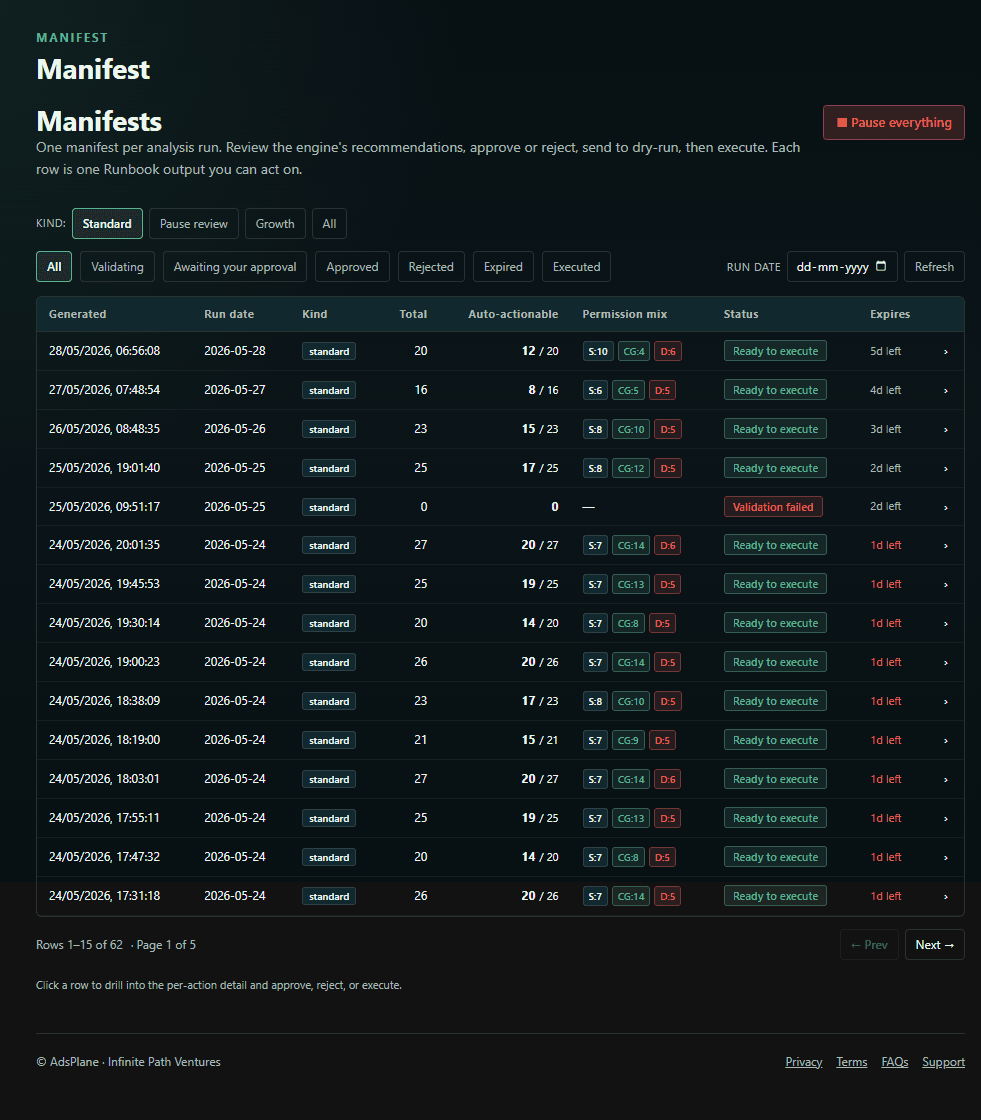
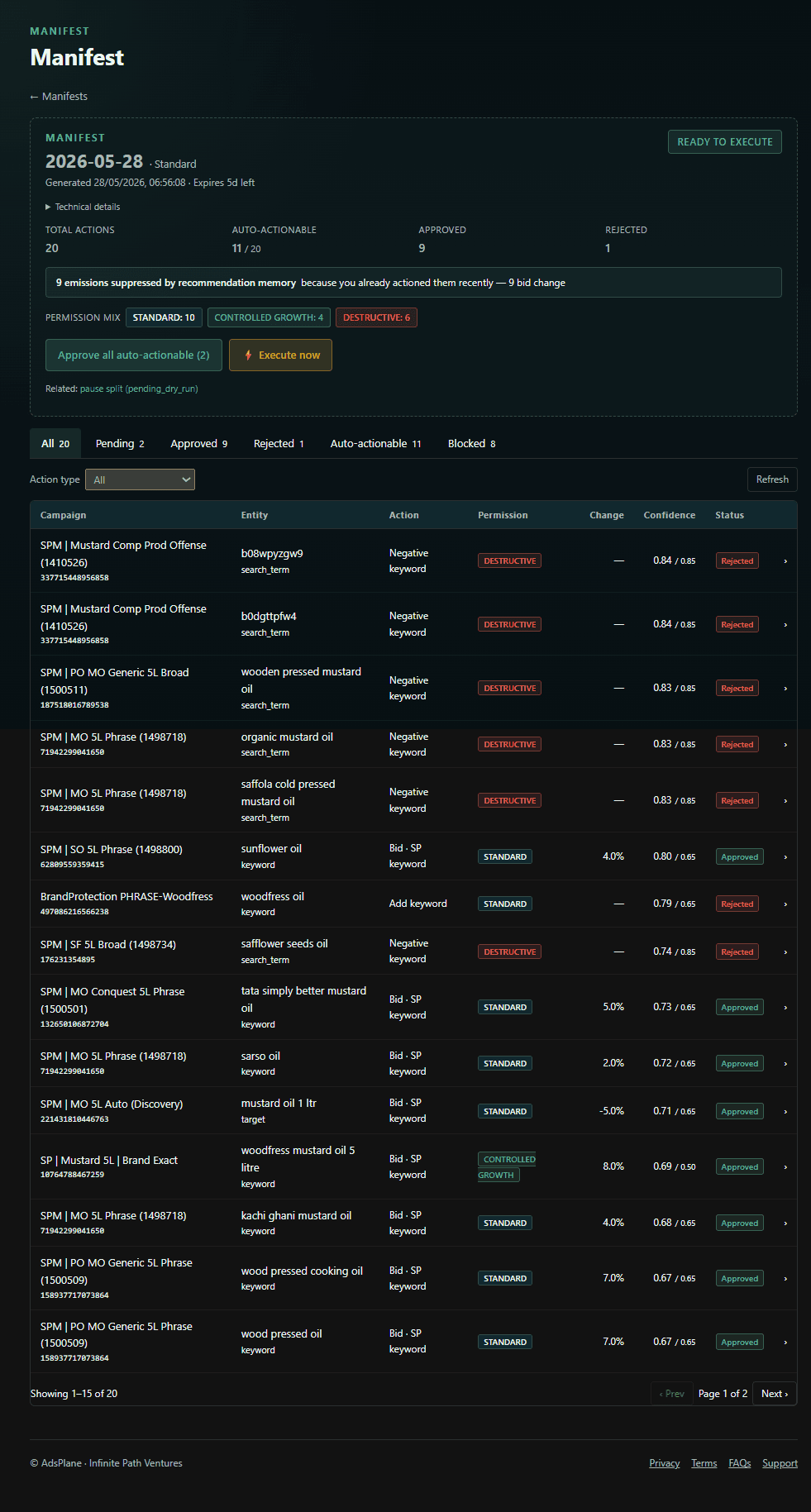
A Manifest is the structured action plan the engine produces each run. It's the single place every proposed change lives, and it's fully reviewable before anything happens.
A Manifest of proposed actions awaiting approval.
What's in a Manifest
Every action carries the entity it affects (campaign, ad group, keyword, target), the change as current value → proposed value, a plain-English rationale, a Data Confidence Score reflecting data quality and sample size, and its Guardrail status — passed, clamped, or blocked.
The Approval Gate
Nothing executes until you approve. Review the full Manifest in the dashboard and approve everything, a high-confidence subset, or individual actions — or approve, reject, and request a dry-run from Telegram. New accounts start in Shadow Mode, where the Manifest is generated and shown but nothing can be executed.
Each action: current → proposed, rationale, confidence, guardrail status.
Dry-run before live
Once you approve, a dry-run validates the actions before any live change is made — so the Approval Gate is backed by a real pre-flight check, not just a button.
At a glance
At a glance
Per-action approve / reject, or bulk-approve the high-confidence set
Confidence + rationale + before/after value on every action
Approve from the web or from Telegram — your gate, your call